Share a photo on Mac—or copy just the part you need
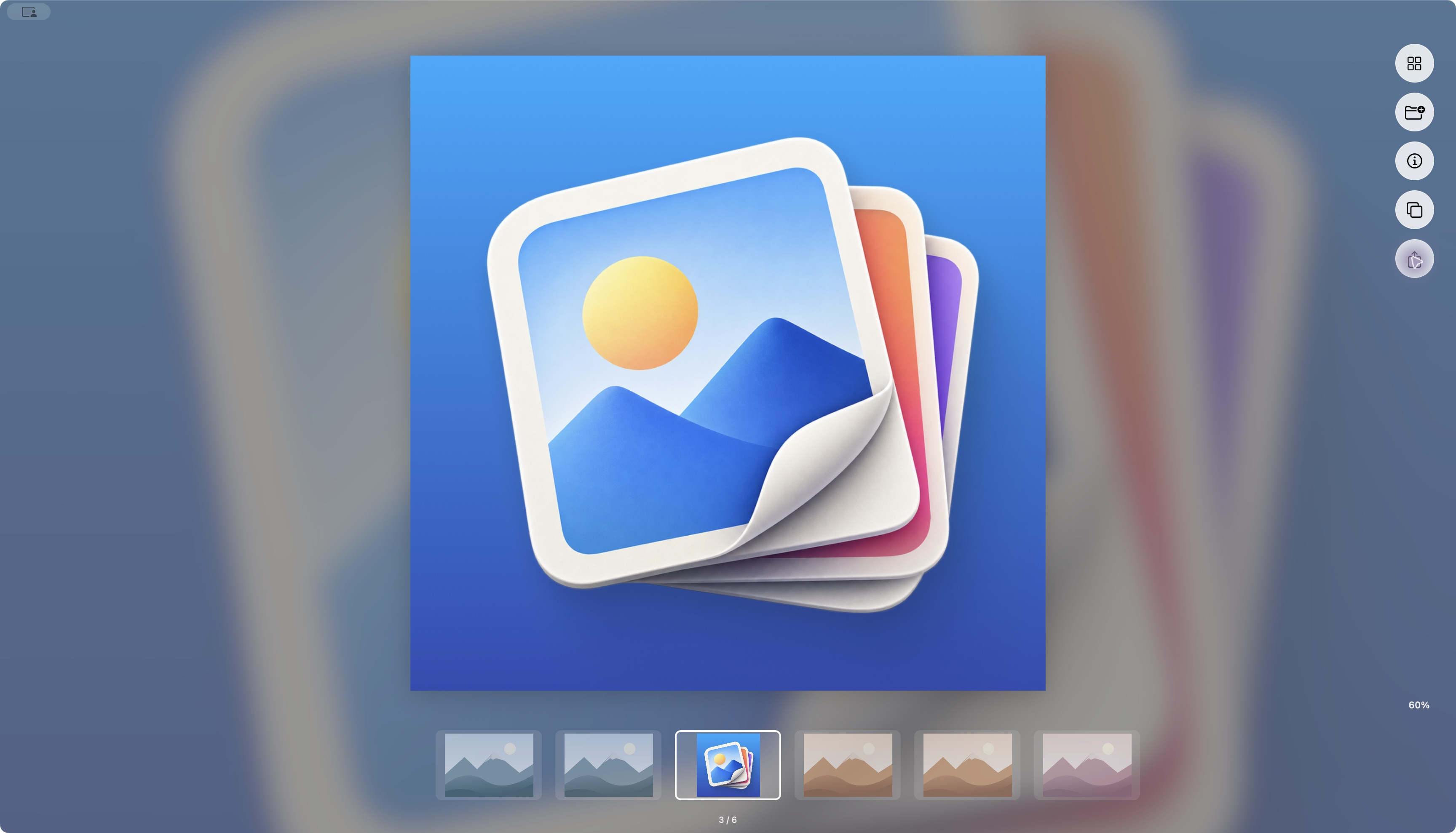
Use the native Mac Share menu from Clean View, share several selected files, copy image pixels, or copy an exact filename without retyping it.
Read guide Clean ViewDownload
 THE CLEAN VIEW JOURNAL
Practical notes on image formats, everyday Mac shortcuts,
and making a little more room for the files you love.
Use the native Mac Share menu from Clean View, share several selected files, copy image pixels, or copy an exact filename without retyping it.
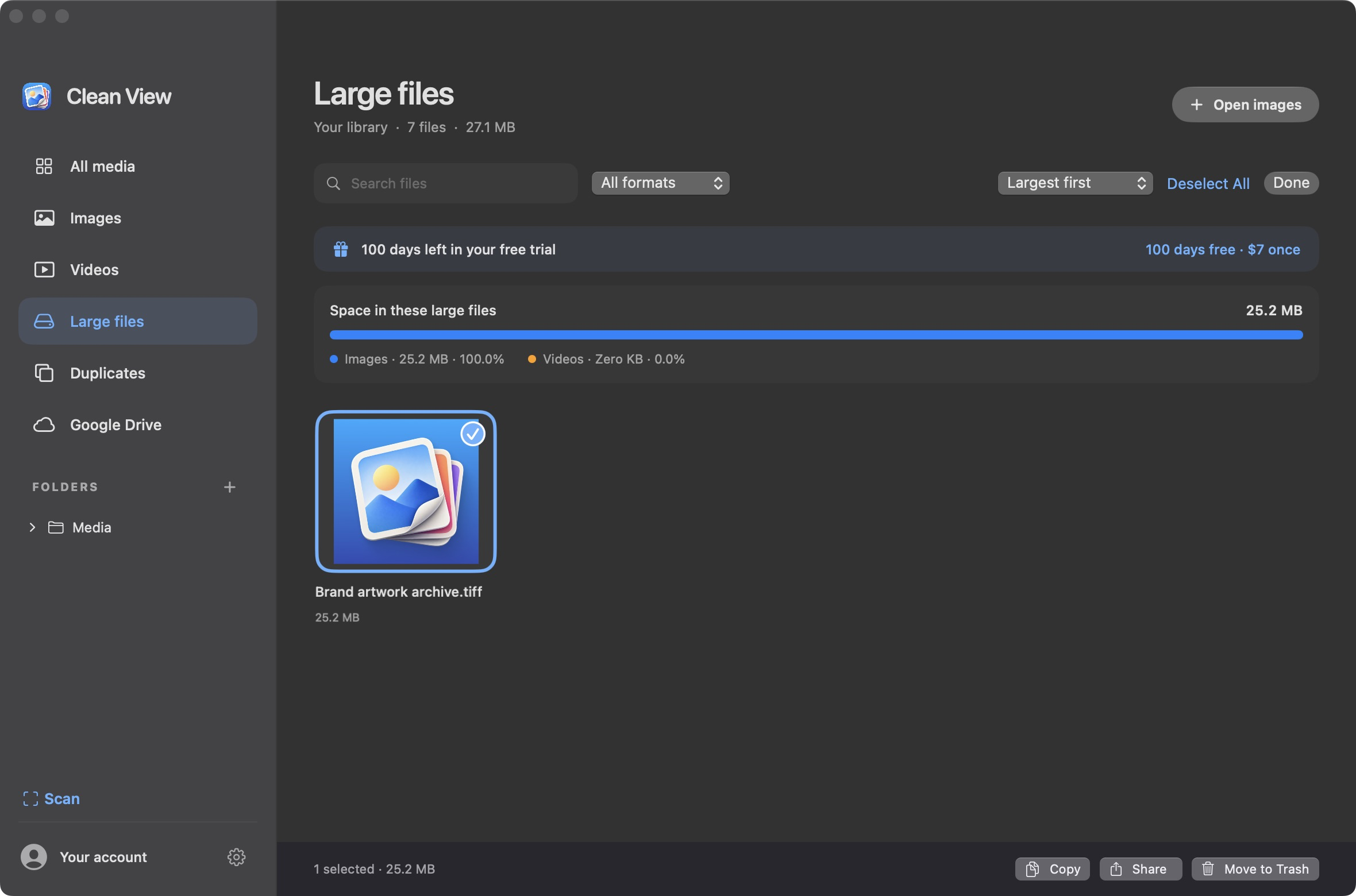
Read guideReview large images, videos and PDFs by size. Understand Clean View’s storage breakdown, select unwanted files, and move them to Trash with a way back.
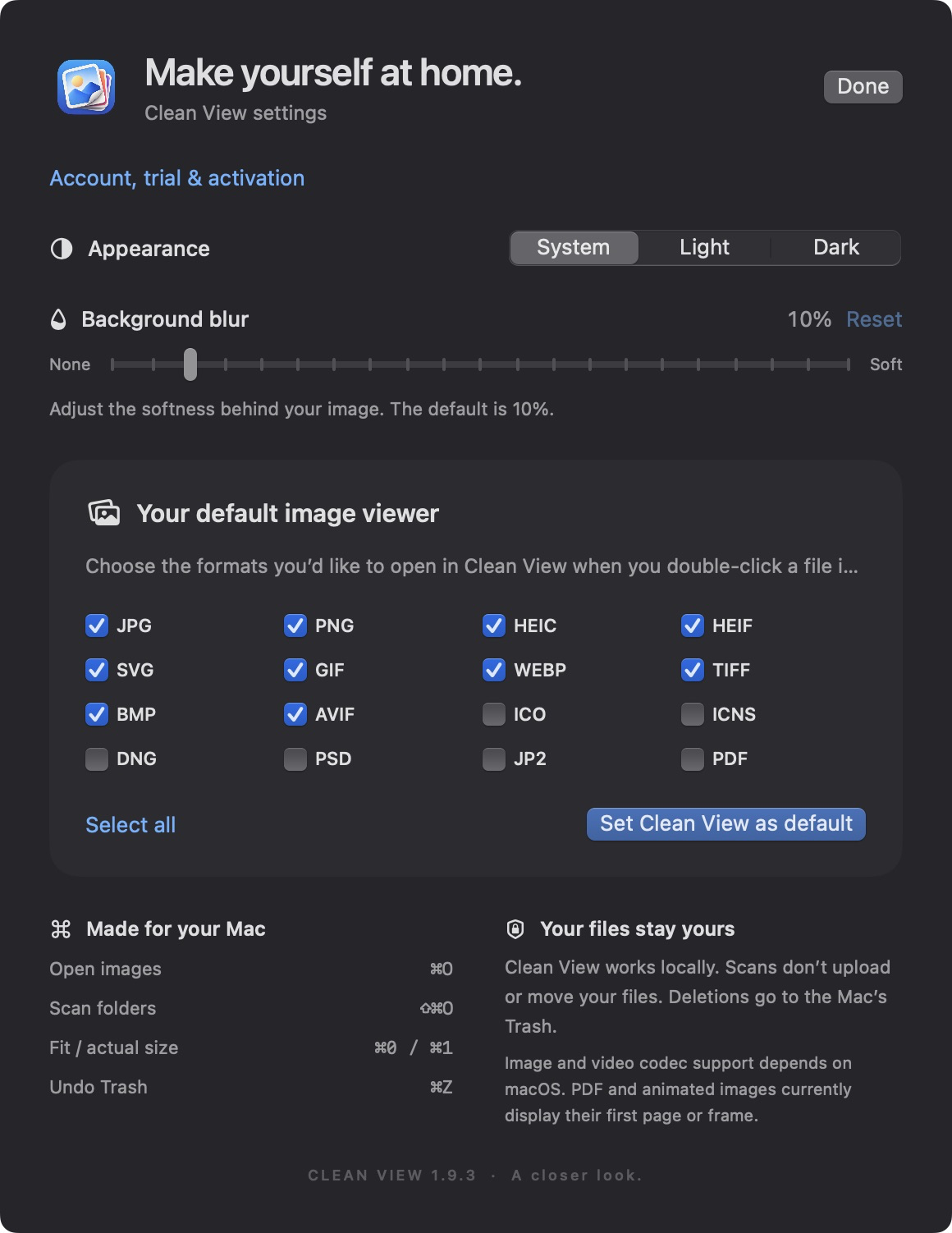
Read guideSet a default Mac image viewer with Finder’s Open With and Change All, then build a practical keyboard-first photo browsing workflow.
Read guideChoose HEIC, JPEG or PNG for photos, screenshots and transparent graphics. Learn how to export a compatible copy on Mac without replacing your original.
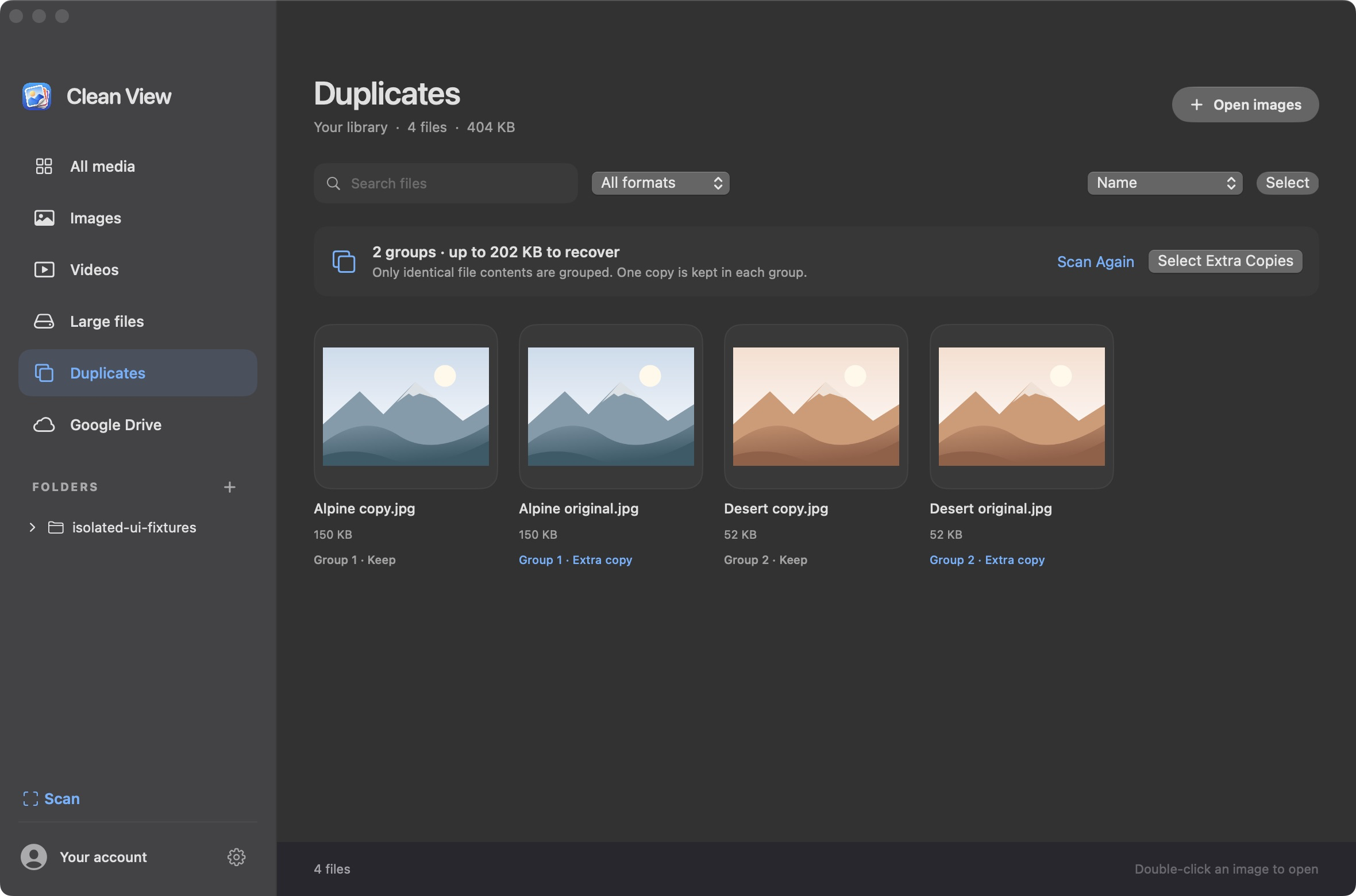
Read guideFind byte-for-byte duplicate photos in scanned Mac folders, review the extra copies, understand space estimates and keep a verified file before moving extras to Trash.
Read guidePUT IT INTO PRACTICE
Explore your images with Clean View. Native to Mac, with a 100-day free trial.